







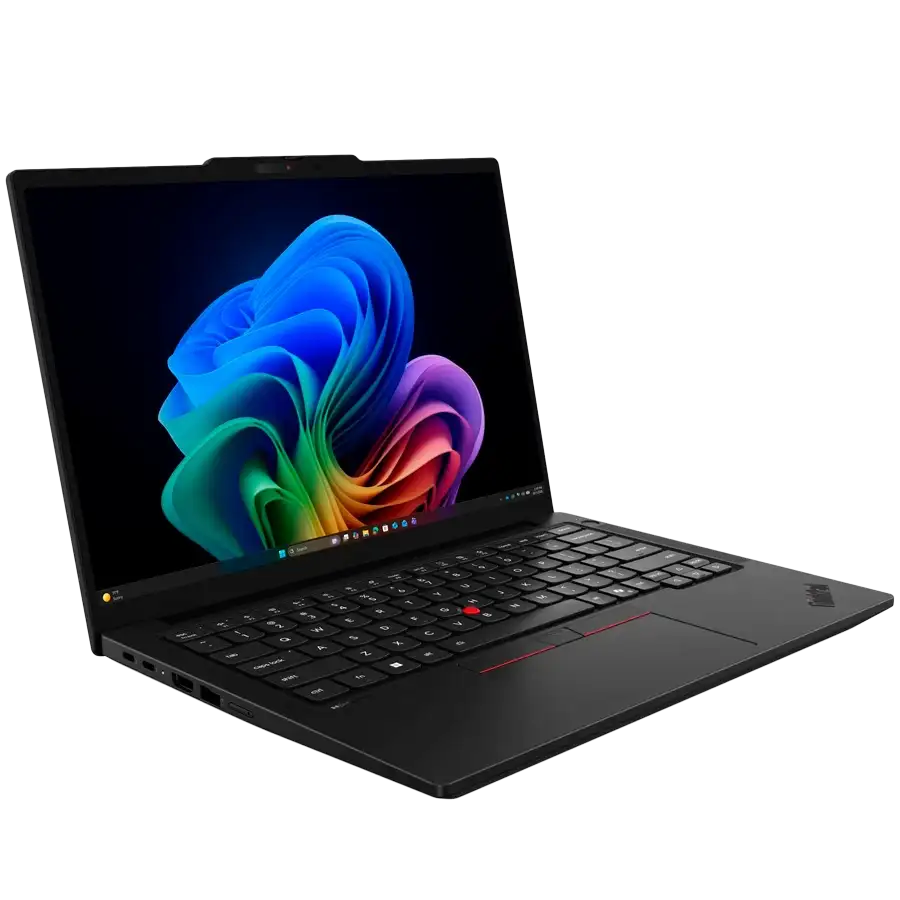
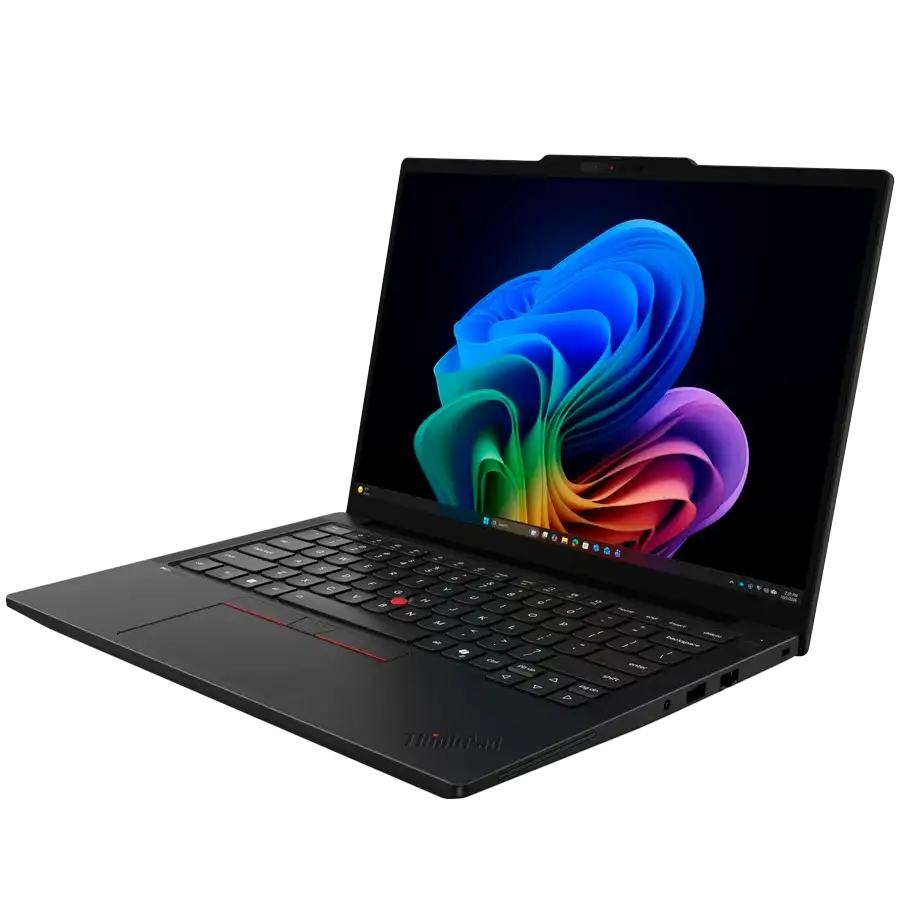
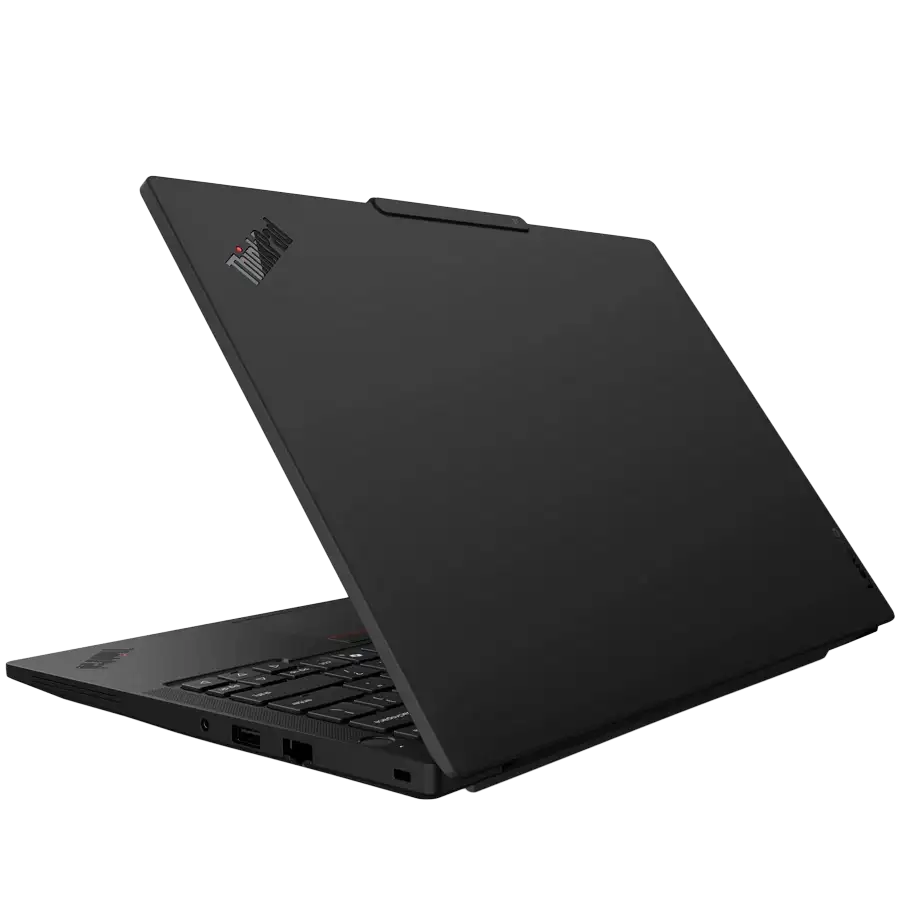
Laptop LENOVO ThinkPad T14 Gen 7 14" Core Ultra 5 Processor 325 32GB RAM 512GB SSD, Black

Available for Pre-Order
Additional information


POWERHOUSE PERFORMANCE
ThinkPad T14 Gen 7 (14” Intel)
This classic productivity workhorse, fueled by an Intel® Core™ Ultra processor, raises the bar for AI-accelerated work while delivering long battery life, enterprise-grade security, and unmatched manageability. What’s more, with several customer-replaceable units (CRUs), it’s easy to extend the lifecycle of the laptop and reduce costs.
/01.avif)
METICULOUS DESIGN
One-Finger Lid
Meticulously engineered, the ThinkPad T14 Gen 7 can be opened up with a single finger, optimizing ease of use and elevating the user experience.
/02.avif)
ADVANCED THERMAL DESIGN
Cool Under Pressure
The ThinkPad T14 Gen 7 boasts an advanced thermal design to provide superior cooling for comfortable use. Add that to the efficiencies delivered by the Intel® Core™ Ultra processor, and you’ll keep cool over the long haul.
/03.avif)
POWERFUL CAMERA
Look Your Best
Powerful 5.0MP camera options mean you’ll always look good on videocalls and conferences. Enhanced camera features ensure more true-to-life images and allow face-recognition login*.
*Requires the optional IR camera
/04.avif)
NEW COLOUR OPTION
Your ThinkPad. Your Choice.
Equip yourself with a ThinkPad T14 Gen 7 in classic Eclipse Black or make a statement with the new Cosmic Blue model.
/05.avif)
/06.avif)
PRIVACY & PROTECTION
Security Like Your Business Depends On It
The ThinkPad T14 Gen 7 laptop features multilevel protection with ThinkShield security solutions. Trusted Platform Module encrypts your critical data. Optional biometrics provide secure login with a fingerprint reader and facial recognition with the infrared camera. Intel® Core™ Ultra provides AI-enhanced threat detection and defense — even below the OS.
THINKPAD TOUGH
Durability Your Business Can Rely On
We use the US Department of Defense MIL-STD-810H for a balance of reliability and durability in ThinkPad laptops. Meeting or exceeding 12 standards, 26 procedures, and 200+ quality checks ensure these devices run in extreme conditions, including harsh variables like Arctic wilderness, desert dust storms, extreme temps, pressure, vibration, and more.
/07.avif)
/08.avif)
PROCESSING POWER
Performance You Can Count On
Fueled by a powerful Intel® Core™ Ultra Series 3 processor, the ThinkPad T14 Gen 7 delivers exceptional performance, efficient workflows, and leading AI experiences. It’s also power efficient for long days on the road and offers groundbreaking graphics and incredibly fast memory.
A PC THAT WORKS FOR & WITH YOU
Amplify Productivity With a Copilot+ PC
Copilot+ integrates advanced AI capabilities to improve task management through real-time suggestions, automation of routine processes, and personalized insights. It learns your preferences and seamlessly supports everything from creating documents to drafting communications. Plus, with the touch of a key, Copilot launches to help keep you ahead in fast-paced work environments.
/09.avif)
This is how you Simplify your workday with
/lenovo-copilot-pc-logo.avif)
![If you’ve ever struggled to find a file, press the [Windows Key + S] to open Search, describe what you’re looking for, and it will surface it for you.](https://cf.value4it.com/share/common/rc/Lenovo/ThinkPad_T14_Gen_7_(14%e2%80%9d_Intel)/fe-semantic-search.avif)
Improved Windows search
If you’ve ever struggled to find a file, press the [Windows Key + S] to open Search, describe what you’re looking for, and it will surface it for you.
![Highlight text or images and press the [Windows Key + click] to see helpful suggestions that let you take the next step instantly, like opening the right apps, revising content, or scheduling a meeting.](https://cf.value4it.com/share/common/rc/Lenovo/ThinkPad_T14_Gen_7_(14%e2%80%9d_Intel)/11.avif)
Click to Do
Highlight text or images and press the [Windows Key + click] to see helpful suggestions that let you take the next step instantly, like opening the right apps, revising content, or scheduling a meeting.
![Turn on captions anytime with [Windows Key + ctrl + L] to follow conversations more easily, including real-time translation from 40+ languages into English and 27 into Chinese (Simplified).](https://cf.value4it.com/share/common/rc/Lenovo/ThinkPad_T14_Gen_7_(14%e2%80%9d_Intel)/12.avif)
Live Captions with translations
Turn on captions anytime with [Windows Key + ctrl + L] to follow conversations more easily, including real-time translation from 40+ languages into English and 27 into Chinese (Simplified).
![Always look and sound your best on video calls with automatic framing, natural eye contact, and noise suppression. Access Windows Studio Effects4 anytime from the Actions Center Settings with [Windows Key + A].](https://cf.value4it.com/share/common/rc/Lenovo/ThinkPad_T14_Gen_7_(14%e2%80%9d_Intel)/13.avif)
Windows Studio Effects
Always look and sound your best on video calls with automatic framing, natural eye contact, and noise suppression. Access Windows Studio Effects4 anytime from the Actions Center Settings with [Windows Key + A].
![If you’ve ever needed to get back to something you saw earlier, you can open Recall (preview)5 with [Windows Key + J] and jump straight back to the content that matters.](https://cf.value4it.com/share/common/rc/Lenovo/ThinkPad_T14_Gen_7_(14%e2%80%9d_Intel)/14.avif)
Recall (preview)
If you’ve ever needed to get back to something you saw earlier, you can open Recall (preview)5 with [Windows Key + J] and jump straight back to the content that matters.
![Use simple, conversational prompts to adjust settings or set up devices like displays, printers, headsets, or cameras. Agent in settings6 is accessible through Windows Settings with [Windows Key + I].](https://cf.value4it.com/share/common/rc/Lenovo/ThinkPad_T14_Gen_7_(14%e2%80%9d_Intel)/15.avif)
Agent in settings
Use simple, conversational prompts to adjust settings or set up devices like displays, printers, headsets, or cameras. Agent in settings6 is accessible through Windows Settings with [Windows Key + I].

CREDIBILITY & COLLABORATION
Sustainability
Our goal is to provide smarter technology that builds a brighter, more sustainable future for our customers, communities, and the planet. That's why we pursue industry -leading labels and certifications that demonstrate our commitment to sustainability in product design. Together, we can build a smarter future for all.
/15.avif)
Specifications
WUXGA
400 nits Brightness
45% NTSC
Dolby Atmos
Multimedia Function
Backlit Keyboard
Copilot Key
1.5mm Key-travel
Touchpad
Speakers
Microphone
Infrared Camera
Smart Card Reader
Camera Privacy Shutter
Kensington Nano Security Slot
Facial Recognition via IR Camera
Windows Hello
UK English