













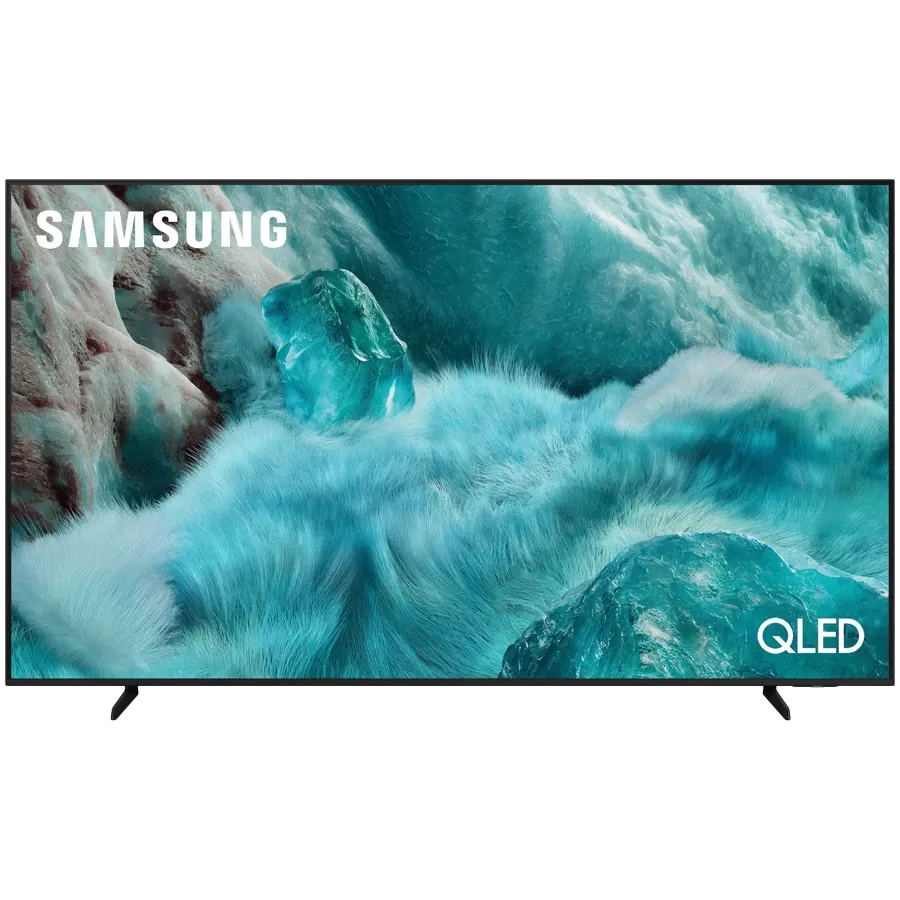
SAMSUNG TV, QLED, 75", UHD, Μαύρος
€ 729


Enjoy your endless entertainment with Samsung Vision AI
Key features at a glance

Companion that enriches your life
A smarter voice assistant
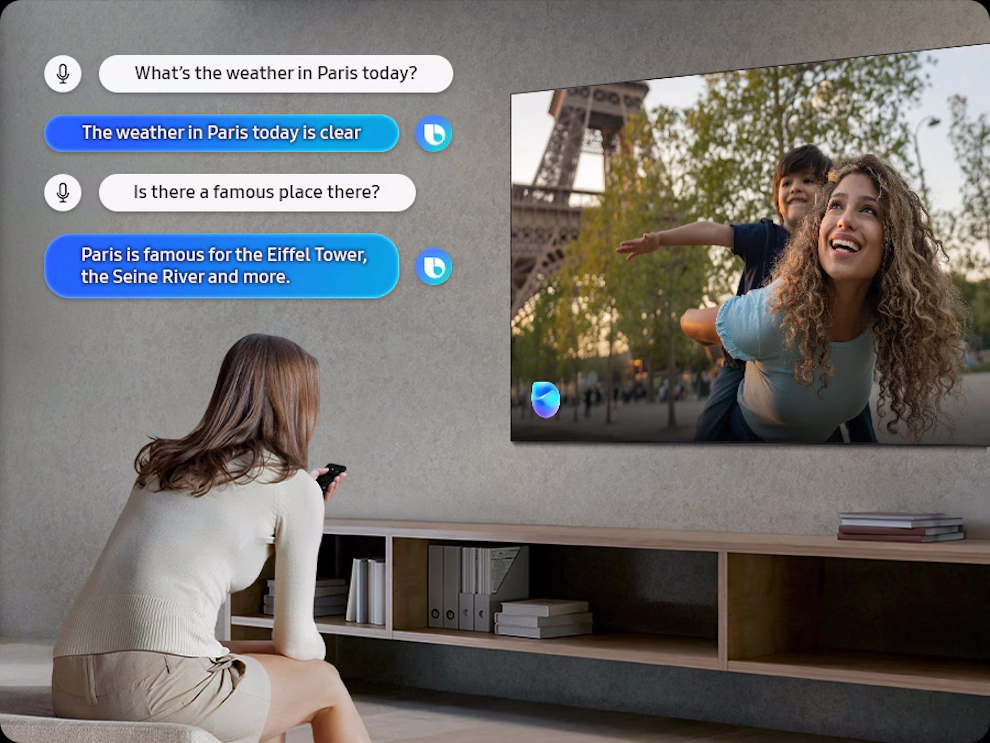
Bixby
With updated intelligence, Bixby in your Samsung AI TV is the perfect center of your AI home. It can process multiple commands at once, and it's better at grasping the wider context. Enjoy smoother conversations, easier searches, more intuitive reactions and seamless device control.
* Voice commands and multi turn is supported for 10 languages (US/UK/IN(en)/DE/FR/IT/ES/BR/MX/KR).** Not all accents, dialects and expressions recognized.
*** Q8F and above support far-field mics. Q7F and above support TV remotes. U8000F needs a SmartThings mobile remote.
Enjoy sound optimized to your content
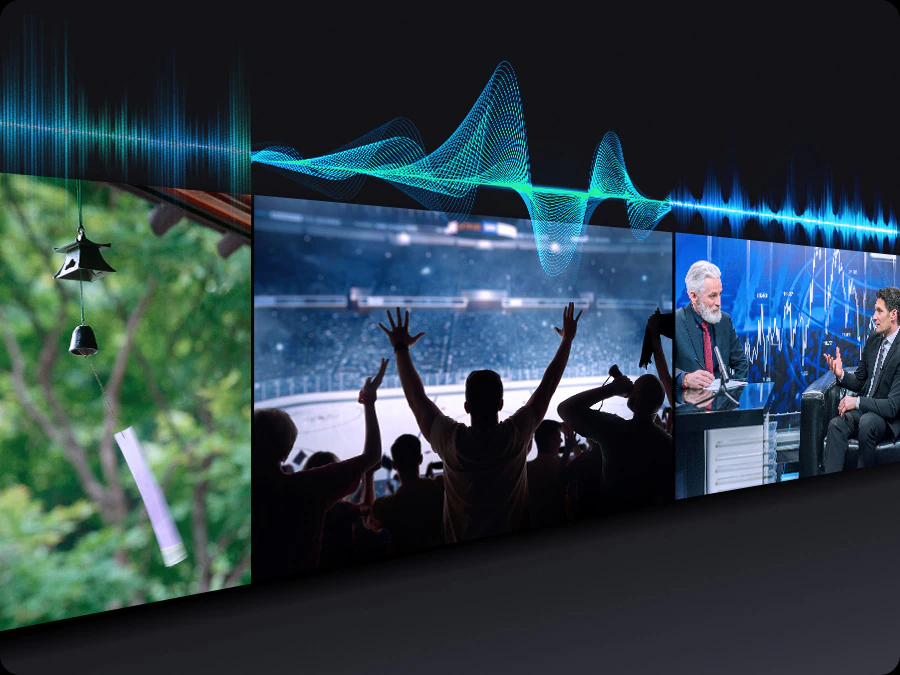
Adaptive Sound
Adaptive Sound has audio scenic intelligence that optimizes sound based on real-time scene analysis by content type.
Make your own mood-matching wallpapers with AI
Generative Wallpaper
Choose keywords for the ambiance you want, and let AI work its magic. Your TV will generate beautiful, one-of-a-kind images that can change the atmosphere of your home.
* The number of generation attempts allowed per day may be limited.Feel the power of AI in 4K
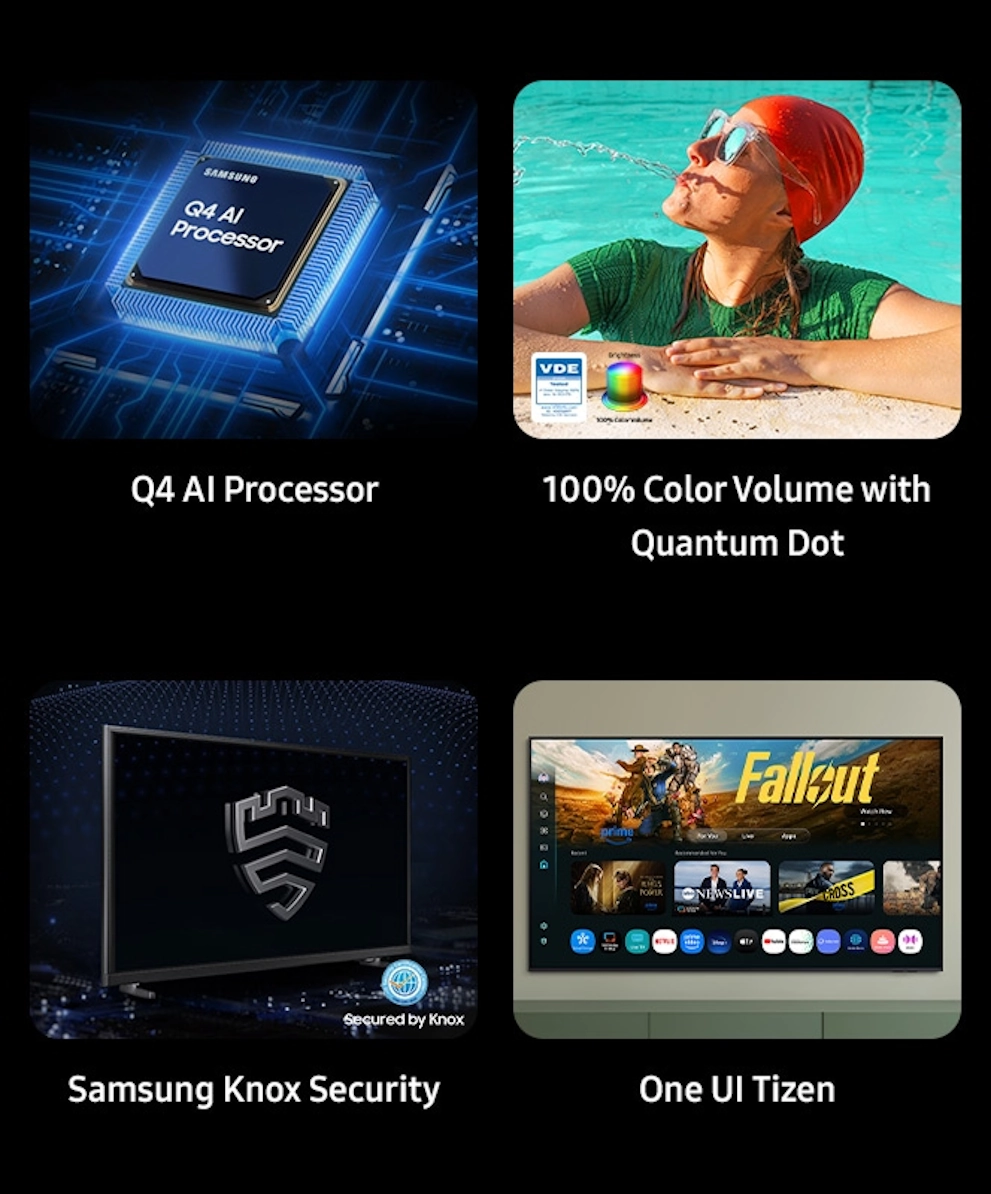
Q4 AI Processor
Samsung’s AI processor helps optimize any viewing and sound experience for 4K TVs.
** Upscaling may not apply to PC connection and Game Mode.

A billion shades of color
100% Color Volume with Quantum Dot
Real Quantum Dot technology delivers our finest picture ever. With Color Volume 100%, Quantum Dot takes light and turns it into breathtaking colors that stay true at various level of brightness.
Real Colors, Real QLED. You deserve nothing less.
Vibrant and accurate colors amplified by Samsung's Quantum Dot sheet without cadmium.

More about Picture Quality
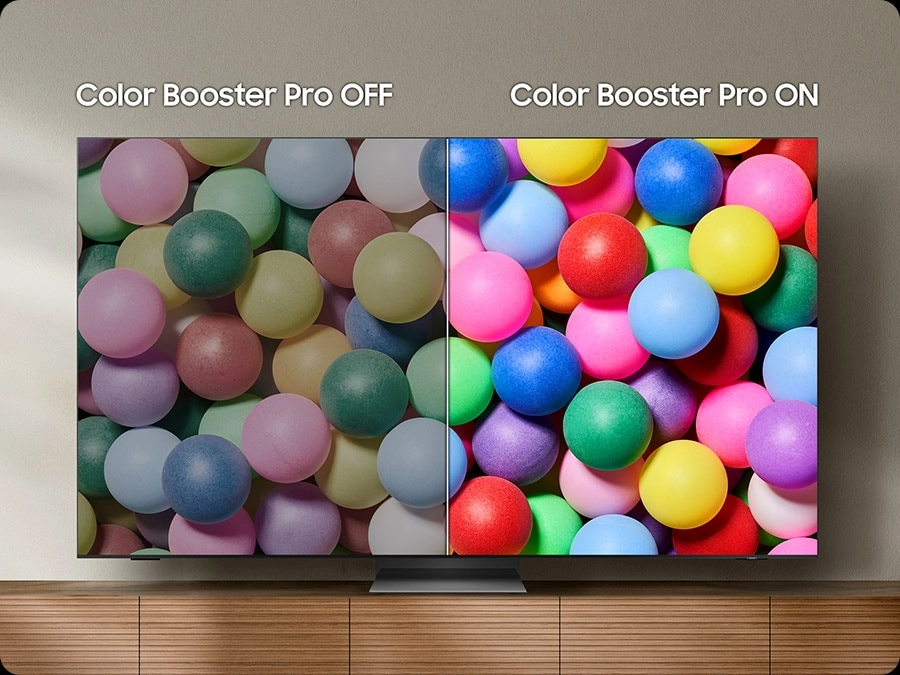
Intelligently enhanced color expression
Color Booster Pro
AI recognizes each scene and enhances color expression accordingly, so your viewing experience becomes more vivid and dynamic.
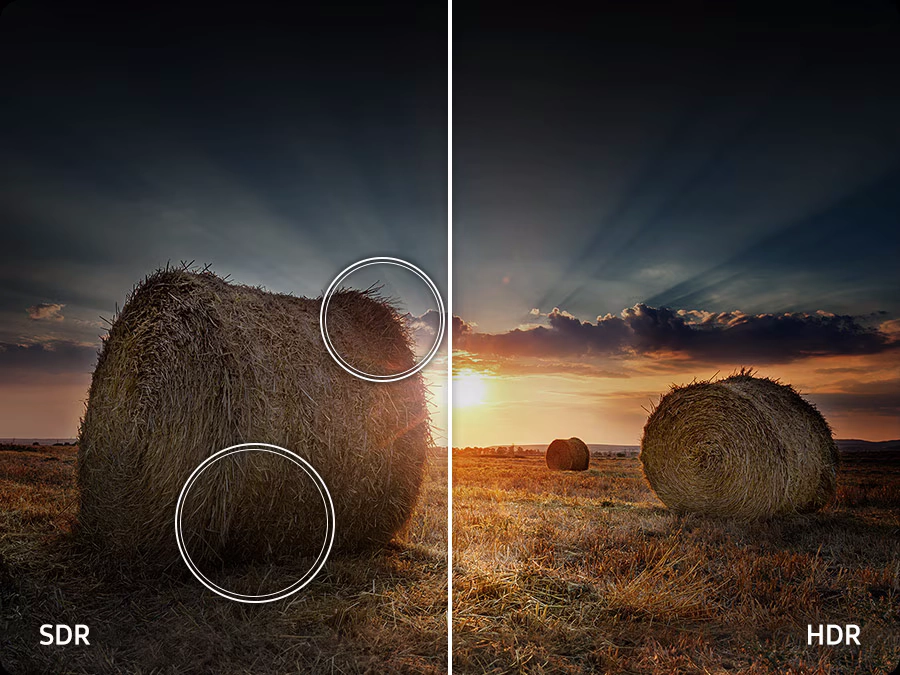
Wider range of contrast on a cinematic scale
Quantum HDR
Experience the full power of every image with Quantum HDR, which brings out detail and contrast. The dynamic tone mapping of HDR10+ creates deeper blacks, more vibrant imagery and details that always shine through.
* The range of Quantum HDR luminance is based on internal testing standards and is subject to change according to viewing conditions or specifications.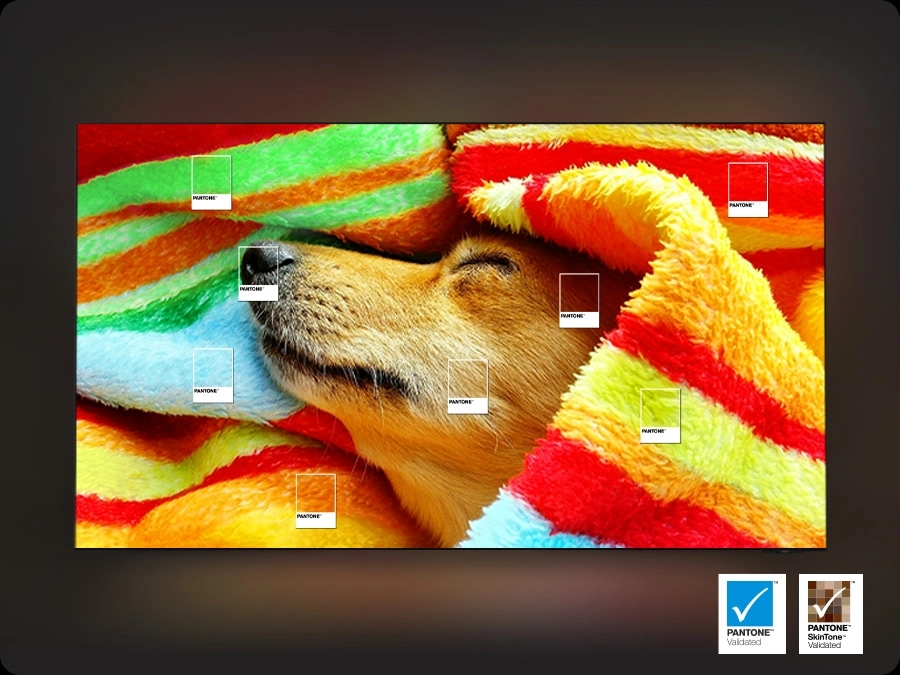
Enjoy a full range of authentic colors
PANTONE Validated
As a trusted symbol of color fidelity by industry experts, ‘PANTONE Validated' certifies the accurate expression of 2,140 PANTONE colors and 110 newly-added skin tone shades. So you can be sure that you're getting a rich, true-to-life viewing experience.
* PANTONE validation received based on HDR screen.Watch your favorite content in 4K
4K Upscaling
Our powerful 4K upscaling technology ensures you get up to 4K resolution for the content you love.
* Viewing experience may vary according to types of content and format.** Upscaling may not apply to PC connection and Game Mode.


Improved picture clarity with smooth motion
Motion Xcelerator
Experience a clear picture as your TV estimates the movement between frames, then uses that information to improve motion smoothness for subsequent frames.
Seamless AI-driven game optimization
AI Auto Game Mode
Let your TV detect the type of game you're playing and optimize the settings. You can free yourself from the usual setup hassle and just play.
* AI Auto Game Mode is available for certain console and PC games.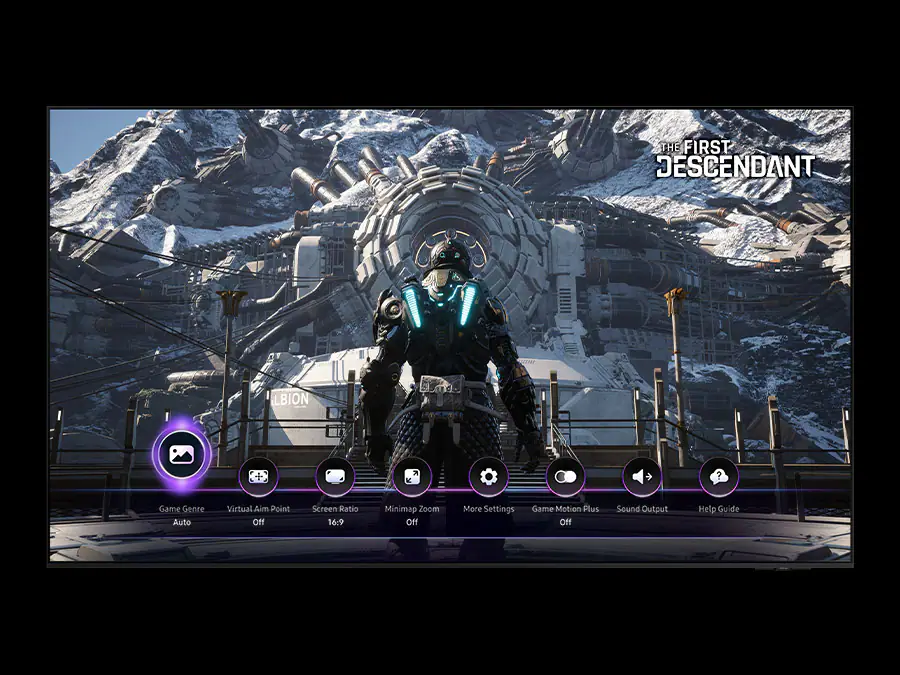
Fine-tune your game settings as you play
Game Bar
Optimize your gameplay even more with Game Bar. Samsung TVs give you a handy in-game menu for settings like FPS, input lag, minimap zoom and more. It also lets you apply ultra-wide aspect ratios of 21:9 and 32:9 to expand your view on bigger screens.
* Super Ultrawide GameView (21:9, 32:9) is available for certain PC and console games supporting ultrawide screens.** Some game titles may not support this feature.
*** Game Bar's Zoom-in mode is not supported for certain refresh rates.
**** Game Bar UI is subject to change without prior notice.
Sound
TV and soundbar play together in smooth harmony
Q-Symphony
Surround yourself with beautifully orchestrated sound. Samsung technology syncs the TV and soundbar audio to play simultaneously — without muting the speakers of either device.
* Check for Q-Symphony compatibility on soundbar product specifications.** Soundbar sold separately.
*** The location and number of speakers may vary depending on the model.
Immersive virtual sound that tracks the action
Object Tracking Sound Lite
3D surround sound with our virtual top channel audio allows you to be immersed in the audio experience.

Personalize your screen experience
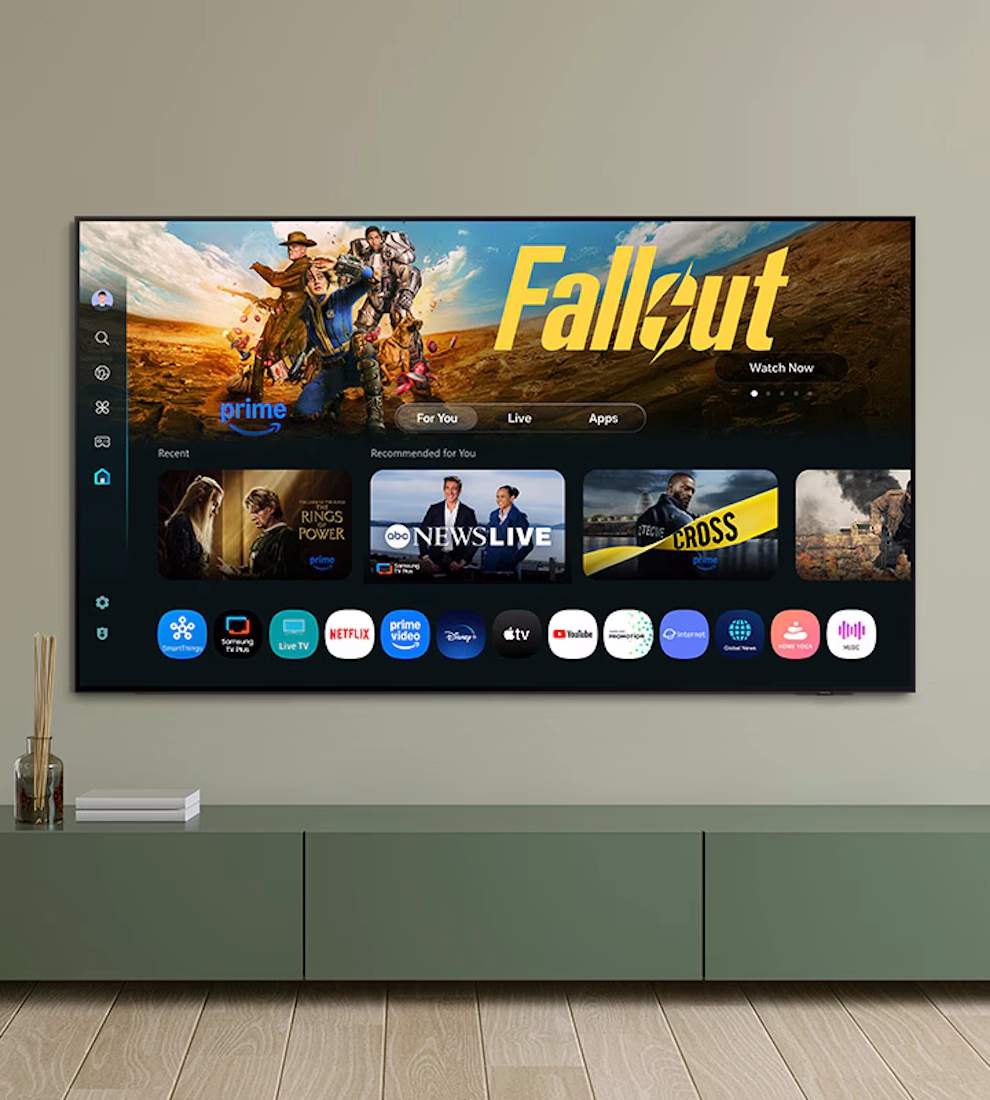
One UI Tizen
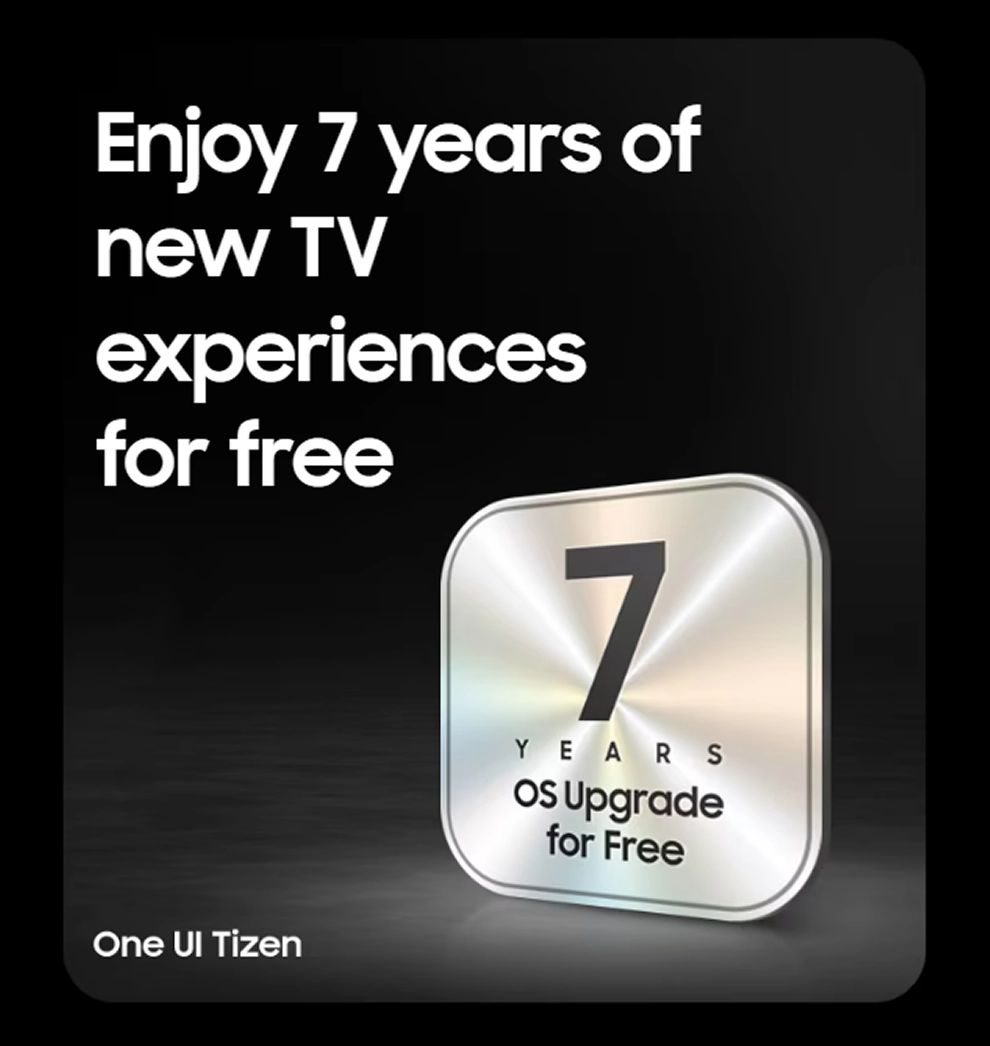
One UI Tizen provides a personalized screen experience. With Samsung Tizen OS, it delivers all the latest innovative Samsung features. Your experience is also secured by Samsung Knox across SmartThings devices. Plus, One UI Tizen will support Tizen OS upgrades for the next 7 years.
** Agreement to Smart Hub Terms and Conditions and Privacy Policy is required before use.
*** Some content and services require registration and subscription.
**** Requires Samsung account.
***** Tizen OS upgrades will be supported for up to 7 years starting from 2025, for products released in the year 2025.
****** Please note that the upgrade does not cover hardware-related performance, features or durability.
Your privacy. Secured.
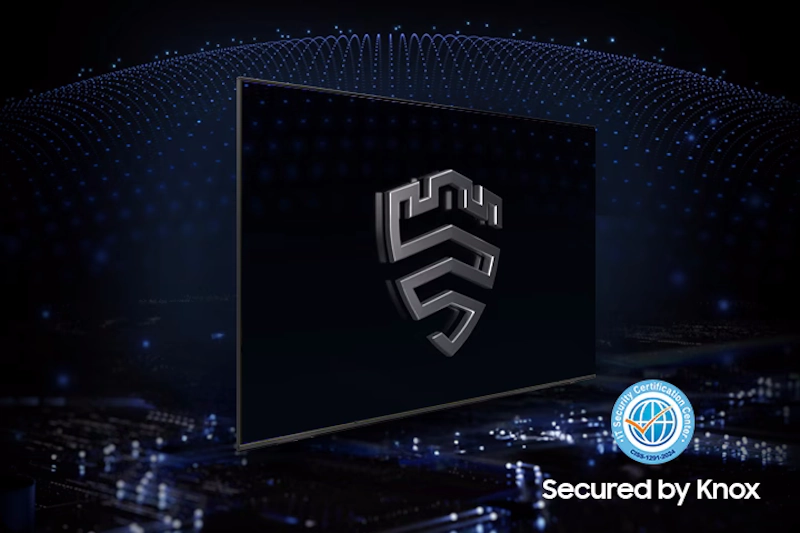
Samsung Knox Security
Your privacy is secure on Samsung TVs. Sensitive data like passwords are protected, connected IoT devices are monitored and malicious apps and sites are automatically blocked. Plus, Samsung's security team helps keep your TV safe with constant updates.
* Samsung Knox Security applies to Samsung TVs powered by Tizen®, launched since 2015.** Latest software update is required.
More about One UI Tizen
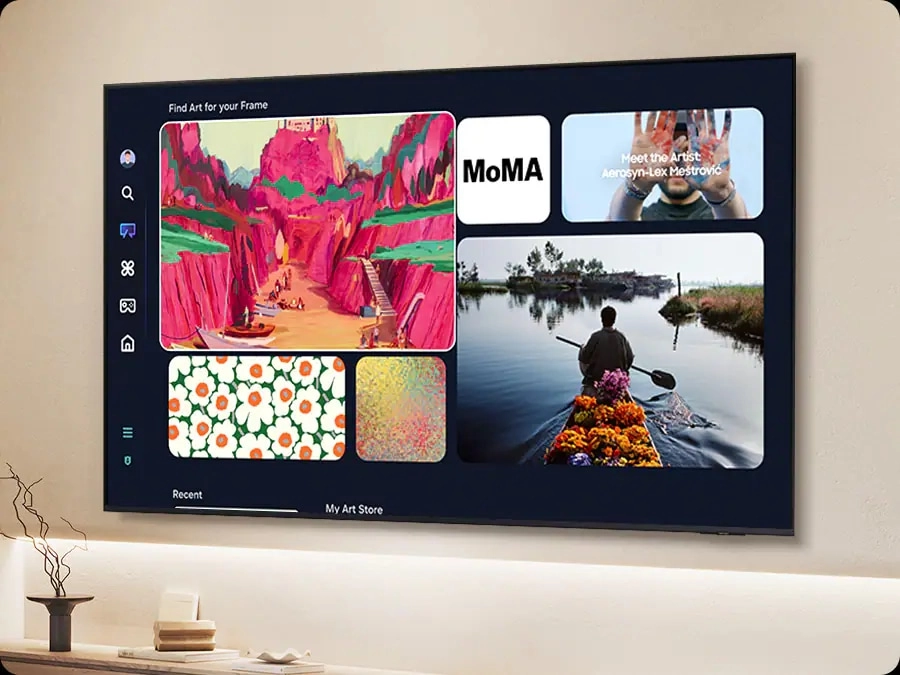
Find world-famous galleries in your TV
Art Store
Find your ideal artwork from the world’s leading museums and artists. Discover new art pieces with relevant and timely selections that complement each season, holiday and mood.
* Subscription is required to enjoy all the art from the Art Store.
Connect and manage your smart home devices, all from your TV
SmartThings
With a built-in smart hub, your TV can connect and control smart devices — even those requiring Matter and HCA compatibility. You can also get notifications about your devices straight from the screen, including a 3D Map View that shows your entire smart home system at a glance.
** Requires a Wi-Fi, Bluetooth or other wireless network connection and login to Samsung account.
*** Connected devices are sold separately. **** Use of calm technology requires agreement to privacy notices from both SmartThings and the auto-registered device.
***** TV and mobile device must be connected to SmartThings to use 3D Map View function. For a detailed list of supported devices, visit https://partners.smartthings.com/supported-devices.
****** UI is subject to change without prior notice.
More about SmartThings
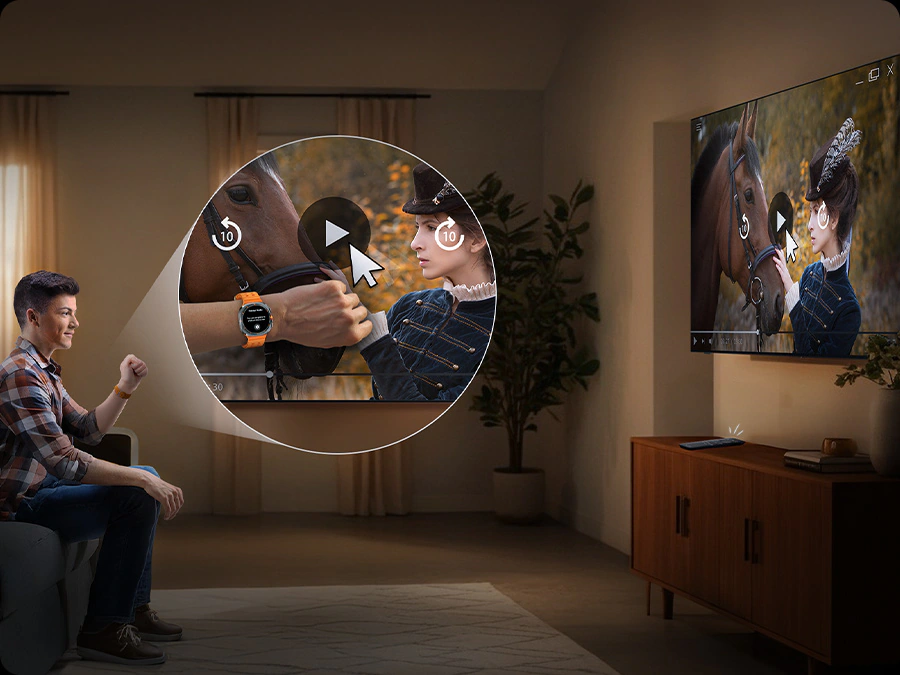
Gestures to control with your watch
Universal Gestures
Easily control your TV with your smartwatch. Just wear your Galaxy Watch and use hand gestures, like pinching to select an option, or moving your wrist back and forth for pause and play.
* Available apps and services may vary and are subject to change without notice.** Only supported on Galaxy Watch4 and later models, and Wear OS 5 and higher versions.
Save energy with intelligent analysis
AI Energy Mode
Easily reduce your power consumption by turning on AI Energy Mode. Your TV will auto-adjust its brightness based on the room's lighting and your user activity. It also subtly adjusts brightness during different scenes to save even more energy.
* Energy saving rate may vary by region, model, size, viewing conditions and type of content.** Products shipped in Eco Mode have some AI Energy Mode functions enabled by default, so energy saving levels when AI Energy Mode is turned on may appear lower compared to Standard Mode.
*** AI Energy Mode does not work with Game Mode.
**** Energy savings are based on internal test results and may vary depending on the content being displayed and surrounding brightness levels.
Control your TV from your phone
Quick Remote
Through your mobile device, you can access key Samsung Tizen TV features such as media, features and menu. Quick Remote can also act as your TV remote, allowing you to change channels, adjust the volume and more right from your phone.
* Push notifications for mobile remotes for TVs are available on (Mobile) Android OS 10.0 and higher versions with (TV) 2020 Samsung TVs and later models, and operates when the mobile device is near the TV.** Samsung Smart TV feature access is available on (TV) 2024 Samsung TVs and later models with (Mobile) Android OS 10.0 and higher versions or iOS 15.0 and higher versions.
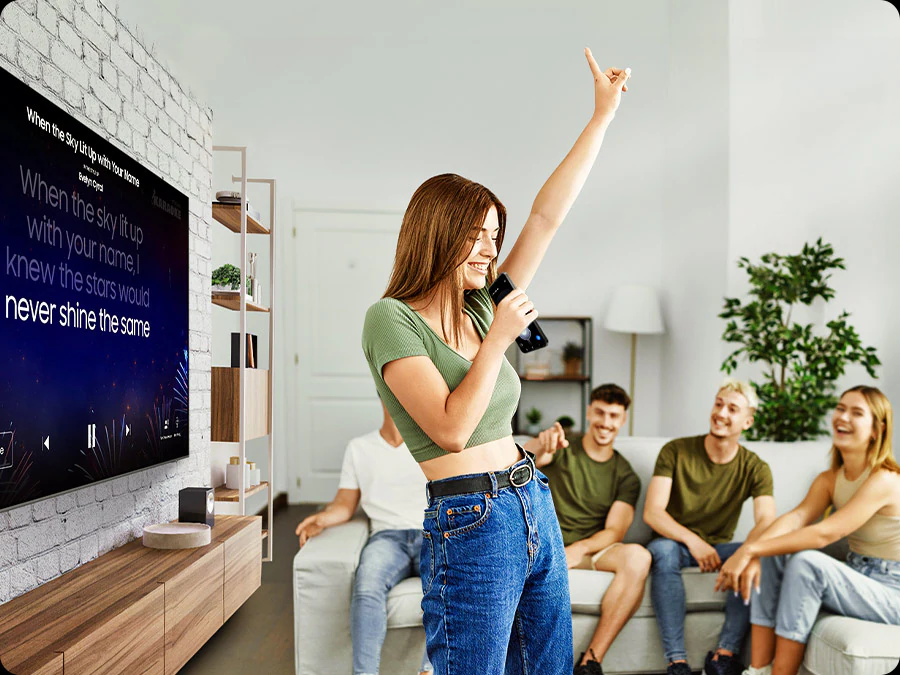
Transform your TV into a karaoke stage
Karaoke
Have fun with friends and family with the karaoke feature. You can even connect your phone to use as a mic. No need for any separate equipment — your singing setup is already here.
* Requires SmartThings app to be installed on the mobile device and connected via the same Wi-Fi network as the TV set.** Mobile mic is optimized only for Galaxy S23 or later models and iPhone 15 & above.
*** You must download the Karaoke app from Tizen to use the Karaoke function.
**** An additional paid subscription is required for this service after 6 months of free use. (Users can access 5 songs per day for free without a subscription.)

A stylish design for your space
Slim Look
This beautifully slim design blends into your decor, elevating your style without taking it over.
Adjust your TV with more freedom
Adjustable Stand
Get an optimal viewing experience by easily adjusting the spatial position of the TV as desired with the Adjustable Stand. It's also perfect for fitting a soundbar underneath.
* Stand adjustment is not available for center-type stands.** Width adjustment feature available with Q7F 55" and above only.

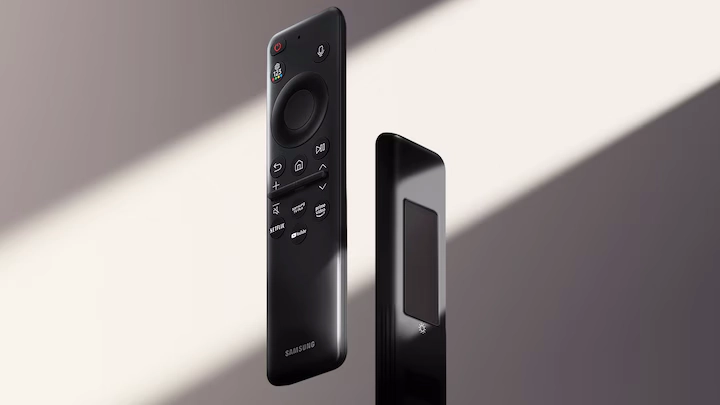
Charge it with light
SolarCell Remote
With a solar panel on its back, our SolarCell Remote is charged by light — no need for disposable batteries. And with smart features like a built-in microphone and voice assistant, this remote is innovative in more ways than one.
* To charge the remote with solar energy, set the TV remote down with the solar panel facing up. Place it in your living room while your lights are turned on, or you can place it near a window where it will soak in natural sunlight.** In case the remote's battery is depleted, you can charge it using a USB-C cable. To check the remaining battery level of the remote control, refer to the TV Menu (Settings > General & Privacy > Power & Energy Saving > Available Remote Battery).