Contents
- 1 How to Buy a TV in 2026: The Complete TV Buying Guide
- 2 Why This TV Buying Guide Matters in 2026
- 3 Screen Size: Matching the TV to Your Room
- 4 Resolution: Is 4K Still Enough, or Should You Consider 8K?
- 5 Screen Technology: LED vs QLED vs OLED
- 6 Refresh Rate: Why It Matters More Than the Number Suggests
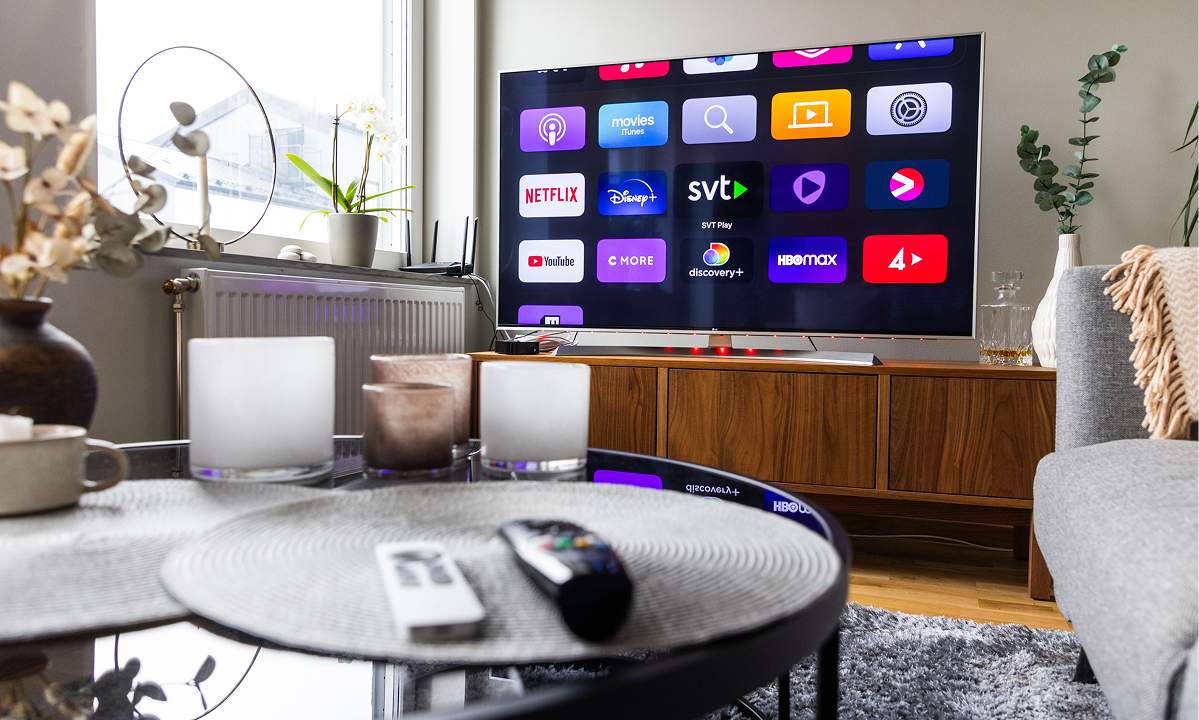
- 7 Smart TV Platforms: Choosing a Smart TV That Fits How You Actually Watch
- 8 HDR: What HDR10+ and Dolby Vision Actually Do
- 9 Ports and Connectivity: The Specs Hiding in the Fine Print
- 10 Sound: Do You Need a Soundbar?
- 11 2026 Flagship Comparison: Samsung, LG, Sony, Loewe, Hyundai, and Tesla
- 12 How to Choose TV: A Quick Decision Framework
- 13 TV Buying Guide in 2026: Final Thoughts
How to Buy a TV in 2026: The Complete TV Buying Guide
Television technology has changed faster in the last five years than in the previous two decades combined. Panel types have multiplied, resolution standards have shifted, smart platforms have gotten smarter (and sometimes more confusing), and screen sizes that once seemed enormous are now considered “mid-range.” For anyone wondering how to buy a TV in 2026, the sheer number of specifications, acronyms, and marketing terms can make a simple purchase feel like a research project.
This guide breaks the decision down into the factors that actually matter: screen size, resolution, panel technology, refresh rate, smart TV platforms, HDR support, connectivity, and sound. Whether you’re comparing Samsung, LG, Sony, Loewe, Hyundai, or Tesla, the goal is the same — to give you a clear, practical framework for how to choose the right television for your room, your budget, and how you actually watch TV, rather than chasing whichever spec happens to be trending this year.
Why This TV Buying Guide Matters in 2026
A few years ago, choosing a TV mostly meant picking a size and a resolution. Today, a single product page can list panel type, mini-LED zone count, refresh rate, HDR formats, smart platform version, and gaming features — often without explaining which of those actually affect your day-to-day viewing experience. At the same time, brands themselves have diversified. Samsung and LG continue to push OLED and QLED technology forward, Sony remains focused on picture processing and color accuracy, Loewe has entered new markets with hand-built premium OLED sets, and value-oriented brands like Hyundai and Tesla (a separate electronics brand from Serbia-based Tesla Appliances, unrelated to the automaker) now offer competitively specced smart TVs at lower price points.
The purpose of this tv buying guide is straightforward: help you cut through the marketing language, understand which specifications matter for your specific use case, and walk away confident that you’re not overpaying for features you’ll never use — or underspending on the one feature that would have mattered most.
Screen Size: Matching the TV to Your Room
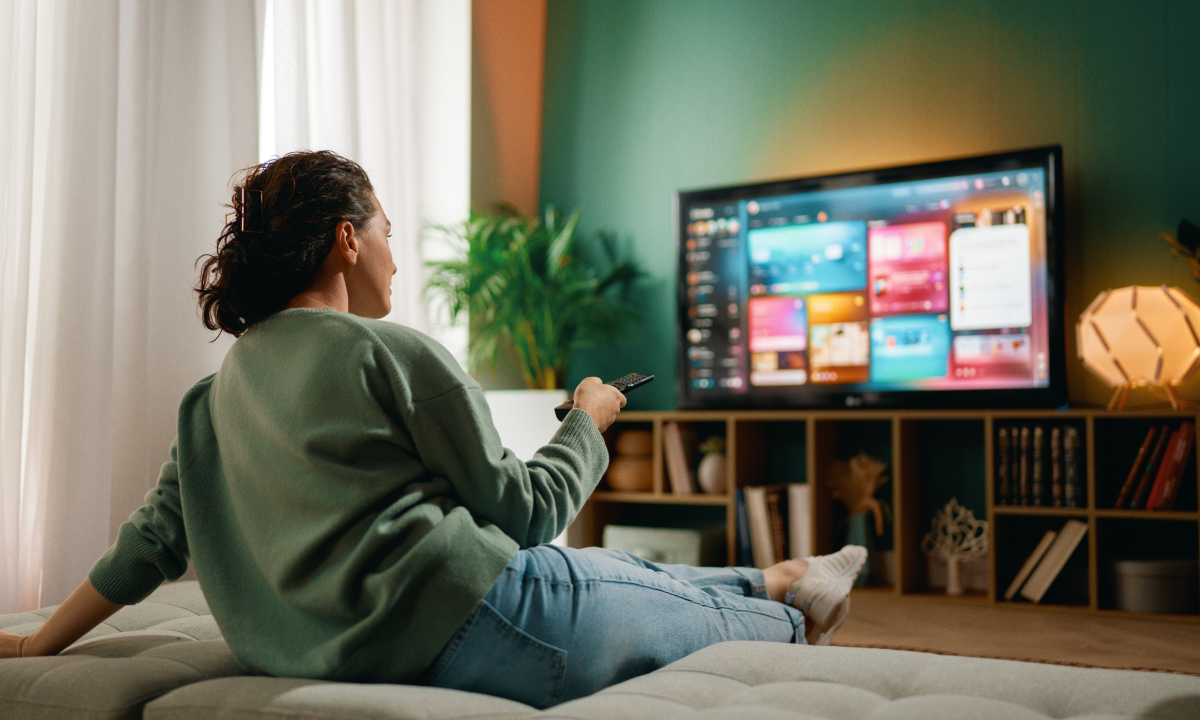
Before resolution or panel type, screen size is the decision that has the biggest visible impact on your viewing experience — and it’s the one most people get wrong by simply buying “as big as the budget allows” without considering the room.
TV screen sizes should be chosen based on your seating distance, not just your wall space. Sitting too close to a large screen can make individual pixels or compression artifacts more visible; sitting too far from a small screen wastes the detail that 4K and 8K resolution are supposed to deliver.
| Viewing Distance | Recommended Screen Size (4K) | Recommended Screen Size (8K) |
| 1.5–2 m (5–6.5 ft) | 42–50 inches | 55–65 inches |
| 2–2.5 m (6.5–8 ft) | 55–65 inches | 65–75 inches |
| 2.5–3.5 m (8–11.5 ft) | 65–77 inches | 75–85 inches |
| 3.5 m+ (11.5 ft+) | 77–98 inches | 85–98 inches |
The most popular diagonals in 2026 remain 55 and 65 inches for living rooms, with 75-inch and larger models becoming increasingly affordable in mid-range LED and QLED lines. If your room allows it, most reviewers and manufacturers now recommend sizing up rather than down — modern upscaling technology handles lower-resolution content well even on very large 4K panels, so a bigger screen rarely feels like a mistake in a properly sized room.
Resolution: Is 4K Still Enough, or Should You Consider 8K?
Resolution determines how much detail a screen can display, expressed as the number of pixels packed into the image. In 2026, 4K (3840 x 2160) remains the practical standard for the vast majority of buyers, while 8K (7680 x 4320) continues to exist mainly at the premium end of the market, led by Samsung’s 8K Neo QLED lineup.
Here’s the honest picture: native 8K content is still scarce. Streaming services, broadcast television, and most gaming platforms are built around 4K delivery, which means an 8K television spends most of its time upscaling lower-resolution sources rather than displaying true 8K detail. The visual benefit of 8K over 4K is also only clearly noticeable on very large screens (85 inches and above) viewed from a relatively close distance — exactly the scenario covered in the screen-size table above.
Should you pay extra for 8K in 2026? For most households, the answer is still no. A high-quality 4K OLED or QLED television, paired with strong HDR support and good processing, will outperform a mediocre 8K set in real-world viewing. 8K becomes worth considering only if you’re buying a very large screen (85 inches or larger) as a long-term investment and want future-proofing as native 8K content slowly expands.
Screen Technology: LED vs QLED vs OLED
This is often the single most confusing part of any tv buying guide, because the marketing terms overlap with the underlying technology in ways that aren’t always obvious.
- LED (LCD with LED backlighting) is the most affordable and widely available screen technology. A backlight shines through a liquid crystal layer, which is then filtered to produce color. Modern LED TVs increasingly use Mini-LED backlighting, which divides the backlight into many small, independently dimmable zones for noticeably better contrast than older full-array or edge-lit LED designs.
- QLED is an enhanced form of LED technology that adds a quantum dot filter layer to boost color volume and peak brightness. QLED TVs, offered by Samsung, Hyundai, and other brands, generally get brighter than OLED panels, which makes them a strong choice for well-lit living rooms.
- OLED uses self-illuminating organic pixels, meaning each pixel can turn off completely to produce true black, with no backlight bleed. This delivers the best contrast and viewing angles of any current TV technology. Samsung, LG, and Sony all offer OLED variants — including QD-OLED panels (which combine OLED’s self-emissive pixels with a quantum dot color layer) — while Loewe has built its entire premium lineup around hand-finished OLED panels sourced from LG Display.
There’s no single “best” technology — the right choice depends on your room’s lighting and what you watch most. A bright, sunlit living room favors the brightness of QLED; a dedicated home theater or a dimly lit room lets OLED’s contrast advantage shine.
Refresh Rate: Why It Matters More Than the Number Suggests
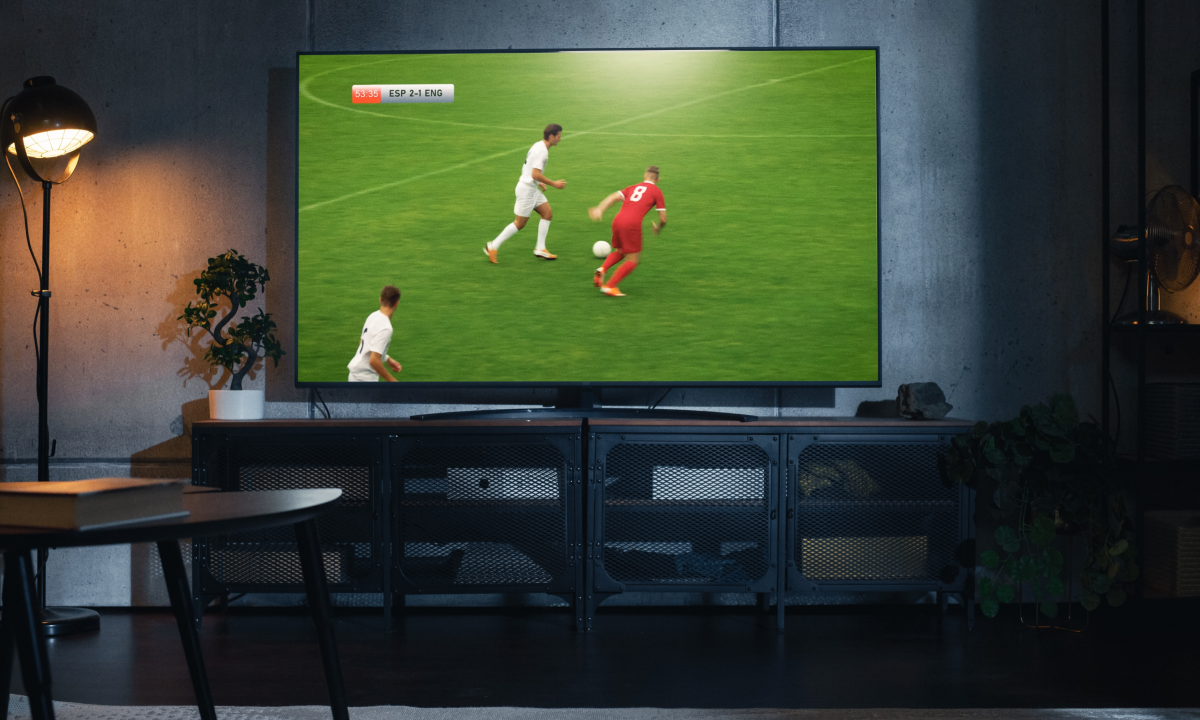
Refresh rate, measured in Hz, describes how many times per second the screen updates its image. A 60Hz panel is sufficient for most everyday viewing — news, sitcoms, and general streaming content. However, for fast-moving content, a higher refresh rate makes a real, visible difference:
- 120Hz has become the standard on mid-range and premium TVs in 2026, and it’s the minimum most reviewers recommend if you watch live sports or play video games. It significantly reduces motion blur during fast camera pans and quick on-screen movement.
- 144Hz and higher variable refresh rates are increasingly common on gaming-focused flagship models from LG, Samsung, and Sony, paired with low input lag for responsive competitive gaming.
If your household mostly streams movies and shows, 60Hz native with good motion processing is often enough. If sports or gaming are a regular part of your viewing, prioritizing at least 120Hz native refresh — not just an interpolated “effective” refresh rate — will noticeably improve picture smoothness.
Smart TV Platforms: Choosing a Smart TV That Fits How You Actually Watch
Choosing a smart TV today is as much about software as it is about the screen itself. The built-in operating system determines which streaming apps are available, how quickly the interface responds, and how easily you can find something to watch.
| Platform | Used By | Strengths |
| webOS | LG, Loewe (LG-sourced panels) | Fast, visually polished, strong app library |
| Google TV / Android TV | Sony, Hyundai (select markets) | Deep Google integration, Chromecast built-in, broad app support |
| Tizen | Samsung | Fast navigation, strong smart home integration |
| Roku OS / Android-based platforms | Hyundai, Tesla (select regional models) | Simple interface, budget-friendly, straightforward setup |
For most buyers, the practical question isn’t “which platform is objectively best” but “which platform already matches the ecosystem I use.” If your household relies heavily on Google services, a Google TV-based Sony or Hyundai model will feel more familiar. If you use other Samsung devices, Tizen’s SmartThings integration adds convenience. LG’s webOS and Loewe’s LG-panel-based interface are consistently praised for their responsiveness and clean layout, which matters more than people expect once you’re navigating menus daily.
HDR: What HDR10+ and Dolby Vision Actually Do
High Dynamic Range (HDR) expands the range between the darkest and brightest parts of an image, along with a wider color range, resulting in more realistic, lifelike pictures compared to standard dynamic range (SDR) content.
- HDR10 is the baseline, royalty-free format supported by virtually every modern TV.
- HDR10+, championed by Samsung, adds dynamic scene-by-scene brightness metadata, so the picture adjusts automatically as content changes from scene to scene.
- Dolby Vision, supported by LG, Sony, and most premium brands (though notably absent from Samsung’s own lineup), performs a similar dynamic adjustment and is widely supported across major streaming services and 4K Blu-ray releases.
In practice, having support for both HDR10+ and Dolby Vision — as most LG, Sony, Hyundai, and Loewe models do — gives you the widest compatibility across streaming platforms. Samsung TVs skip Dolby Vision but support HDR10+, so if Dolby Vision compatibility with a specific streaming service matters to you, it’s worth checking before you buy.
Ports and Connectivity: The Specs Hiding in the Fine Print
Connectivity is easy to overlook until you’re trying to plug in a new gaming console or soundbar and discover your TV’s ports don’t support what you need.
| Connection | What to Look For | Why It Matters |
| HDMI | At least one HDMI 2.1 port | Required for 4K at 120Hz, VRR, and next-gen console gaming |
| USB | USB 2.0 or 3.0 | Media playback, powering streaming sticks |
| Wi-Fi | Wi-Fi 5 or Wi-Fi 6 | Faster, more stable 4K/8K streaming |
| Bluetooth | Bluetooth 5.0+ | Wireless headphones, keyboards, game controllers |
| eARC | Present on at least one HDMI port | Full lossless audio passthrough to a soundbar or AV receiver |
If gaming is a priority, confirm the TV has at least one full-bandwidth HDMI 2.1 port — some budget and even some mid-range models still limit high-refresh 4K gaming to a single port, or don’t support it at all. This single spec is one of the most common sources of buyer disappointment after purchase.
Sound: Do You Need a Soundbar?
Even flagship TVs from Samsung, LG, and Sony are constrained by their slim, screen-focused designs, which leaves little physical room for large speaker drivers. Built-in TV speakers have improved with AI-based sound processing and virtual surround technology, but they still can’t match the bass depth and spatial separation of a dedicated audio system.
Loewe TVs are something of an exception here, as several models integrate genuinely high-performance speaker systems designed in-house — a reflection of the brand’s premium, all-in-one positioning. For most other TVs, though, if movies, music, or immersive gaming audio matter to you, a soundbar (even an entry-level one) will deliver a meaningfully better experience than the TV’s built-in speakers, while a full home theater system with a subwoofer and surround speakers remains the best option for dedicated home cinema setups.
2026 Flagship Comparison: Samsung, LG, Sony, Loewe, Hyundai, and Tesla
To put these criteria into context, here’s how current flagship and popular mid-range models from six brands compare on paper:
| Brand | Flagship 2026 Model | Panel Type | Native Refresh Rate | Smart Platform | HDR Support |
| Samsung | S95H (QD-OLED) | QD-OLED | Up to 165Hz | Tizen | HDR10+ (no Dolby Vision) |
| LG | G6 OLED | OLED (Tandem/MLA) | Up to 165Hz | webOS | Dolby Vision, HDR10 |
| Sony | Bravia 9 II | Mini-LED (RGB LED) | 120Hz | Google TV | Dolby Vision, HDR10 |
| Loewe | stellar OLED | OLED (MLA) | 120Hz | webOS-based | Dolby Vision, HDR10 |
| Hyundai | QLED mid-range series | QLED / LED | 60–120Hz (size-dependent) | Android TV / Roku OS (market-dependent) | HDR10 |
| Tesla | Android Smart TV series | LED / QLED (select models) | 60Hz | Android TV | HDR10 |
A few notes on positioning: Samsung, LG, and Sony compete directly at the premium end, each with a distinct approach — Samsung on brightness and color volume, LG on OLED contrast and gaming features, Sony on picture processing and color accuracy. Loewe occupies a luxury niche, hand-building OLED televisions in Germany with premium materials and integrated audio, at a significantly higher price point than mainstream brands. Hyundai and Tesla, meanwhile, focus on value — delivering 4K, HDR, and smart functionality at accessible prices, making them practical choices for secondary rooms, bedrooms, or budget-conscious first-time smart TV buyers. Note that the “Tesla” TV brand is produced by a Serbia-based consumer electronics company and has no connection to the American automaker of the same name — a distinction worth knowing given how often the two get confused online.
How to Choose TV: A Quick Decision Framework
If you’re still deciding how to choose TV specs in the right order, work through these questions in sequence:
- What’s my viewing distance? This determines your ideal screen size before anything else.
- How bright is my room? Bright rooms favor QLED or Mini-LED; dim rooms favor OLED’s contrast advantage.
- What do I watch most? Heavy sports or gaming usage justifies prioritizing 120Hz+ refresh rate and HDMI 2.1; movie- and drama-focused viewing benefits more from OLED contrast and HDR.
- What’s my realistic budget? Mid-range QLED and Mini-LED sets from Samsung, Hyundai, or Sony often deliver excellent value; OLED and Loewe’s premium sets are worth it primarily if picture quality is the top priority.
- Does the smart platform match my ecosystem? Choosing a smart TV that already integrates with the streaming services and smart home devices you use daily will save frustration long after the purchase.
TV Buying Guide in 2026: Final Thoughts
A useful tv buying guide doesn’t tell you which single TV to buy — it helps you match specifications to your actual needs. Screen size should follow your room and seating distance, not just your budget ceiling. Resolution beyond 4K is rarely necessary unless you’re buying a very large screen. Panel technology should reflect your room’s lighting more than any brand loyalty. Refresh rate matters far more if sports or gaming are part of your routine. And a smart TV platform is worth choosing deliberately, since you’ll interact with it every single day.
Before making a final decision, take the time to compare specifications side by side, read independent reviews of the specific model (not just the product line), and, where possible, see the panel in person — photos and marketing renders rarely capture real-world contrast and color accuracy. Whether you land on a Samsung, LG, Sony, Loewe, Hyundai, or Tesla model, applying this framework will help ensure the television you bring home actually fits the room, the budget, and the way your household watches TV — not just the spec sheet.
Stay up-to-date with our news!
Subscribe to our mailing list and be the first to know about new promotions and special offers from the store!